
Windows Restart Server

Ben Bush
Last Update il y a un mois
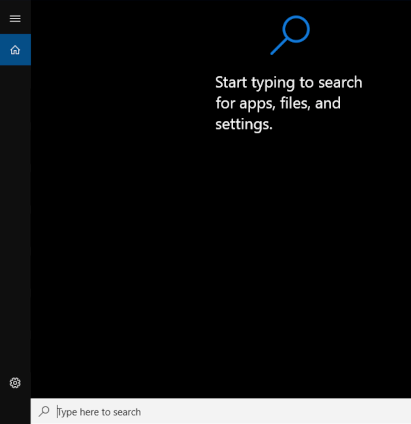
- Press Windows + s keys to bring up windows search.
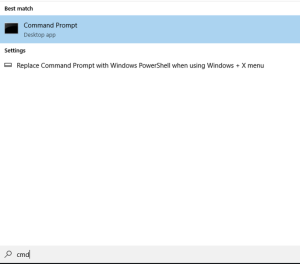
- In the search box type “cmd”.
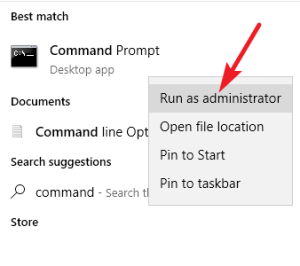
- Right-click on Command Prompt or PowerShell and click Run as Administrator.
- In the black or blue terminal window, type or copy the command:
shutdown /r /t 0
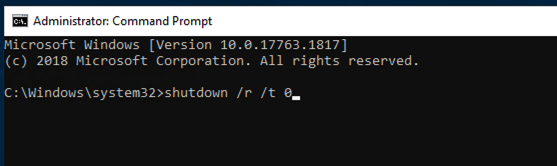
- Press Enter and the server will restart which will log off all users and your session will disconnect.
- You may not be able to connect to the server for up to 10 minutes while it starts back up. If you are not able to re-connect after 10 minutes, please contact support.